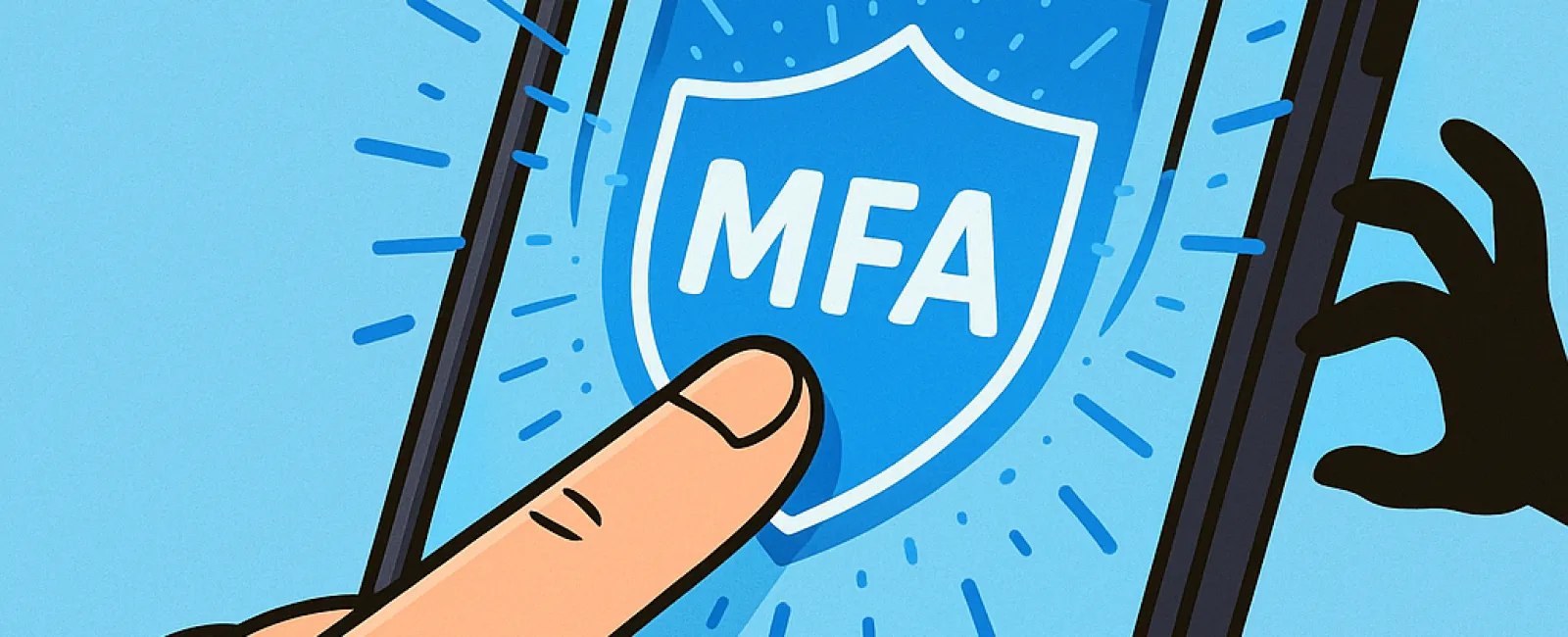
Just like you never drive without buckling your seatbelt or leave your office unlocked overnight, why risk going online without multifactor authentication (MFA)?
MFA acts as a crucial second lock for your digital security. Rather than depending solely on a password—which can be stolen, guessed, or phished—MFA adds an extra protective layer, such as a text message code, authentication app prompt, or fingerprint scan. Even if your password falls into the wrong hands, this additional verification stops hackers in their tracks.
One Simple Step That Strengthens Your Security
Think of your password as locking the front door before bed. MFA is like turning on the security alarm system. While not mandatory, it offers invaluable peace of mind—an extra safeguard in case one layer fails.
MFA introduces a swift verification step confirming your identity each time you log in. Whether called "two-step verification," "two-factor authentication," or "one-time password," the concept remains the same: requiring two or more steps to prove it's truly you before granting access to sensitive information.
MFA comes in many forms including confirmation emails during account creation, security questions at banks, text codes, push notifications, and phone calls—all designed to secure your accounts with minimal effort. Most are just a quick tap away.
How MFA Protects You in Real-Life Situations
For users, MFA is a seamless extra step—simply enter a code or press a button. But for hackers, it's a formidable hurdle. If someone tries to log into your account without authorization, MFA instantly alerts you through notifications or require a verification code. This early warning gives you time to secure your account before any damage occurs.Ultimately, MFA prevents unauthorized access—even if a password is compromised.
If a hacker tricks an employee into sharing login details, MFA blocks entry without the second verification step. In fact, Microsoft's research shows that enabling MFA decreases account breach risk by over 99.2%, and up to 99.99% for accounts with MFA activated.
Essential Areas to Enable MFA
Make sure you have MFA enabled especially for:
- Banking and financial services apps
- Email accounts and cloud storage platforms
- Social media profiles
- Work-related logins containing client or sensitive data
Activating MFA is typically straightforward. Most popular platforms feature built-in MFA options—just select the method that fits your needs and incorporate it into your daily routine. For businesses, using an authenticator app adds a robust layer of security for staff access.
In summary, MFA is a fast, free, and highly effective step to block the vast majority of hacking attempts. Taking a few moments now to enable MFA can protect you from extensive data breaches and long-term losses.
The simplest way to get MFA set up is by contacting your IT provider. Experienced MSPs make configuration easy and hassle-free. If you require expert cybersecurity support, click here or call us at 916-626-4000 to schedule a 15-Minute Discovery Call with our professional team today.